A quieter way
to clean your
camera roll.
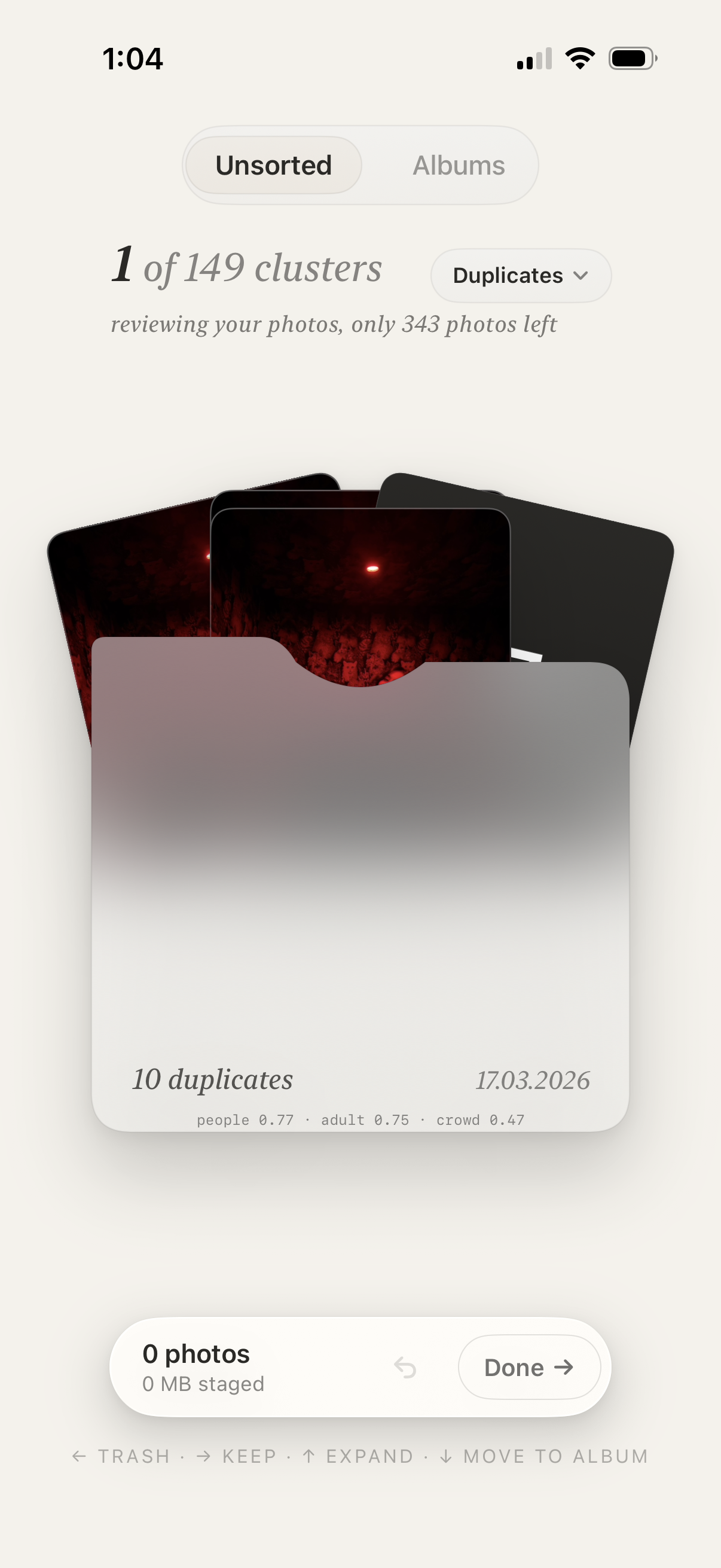
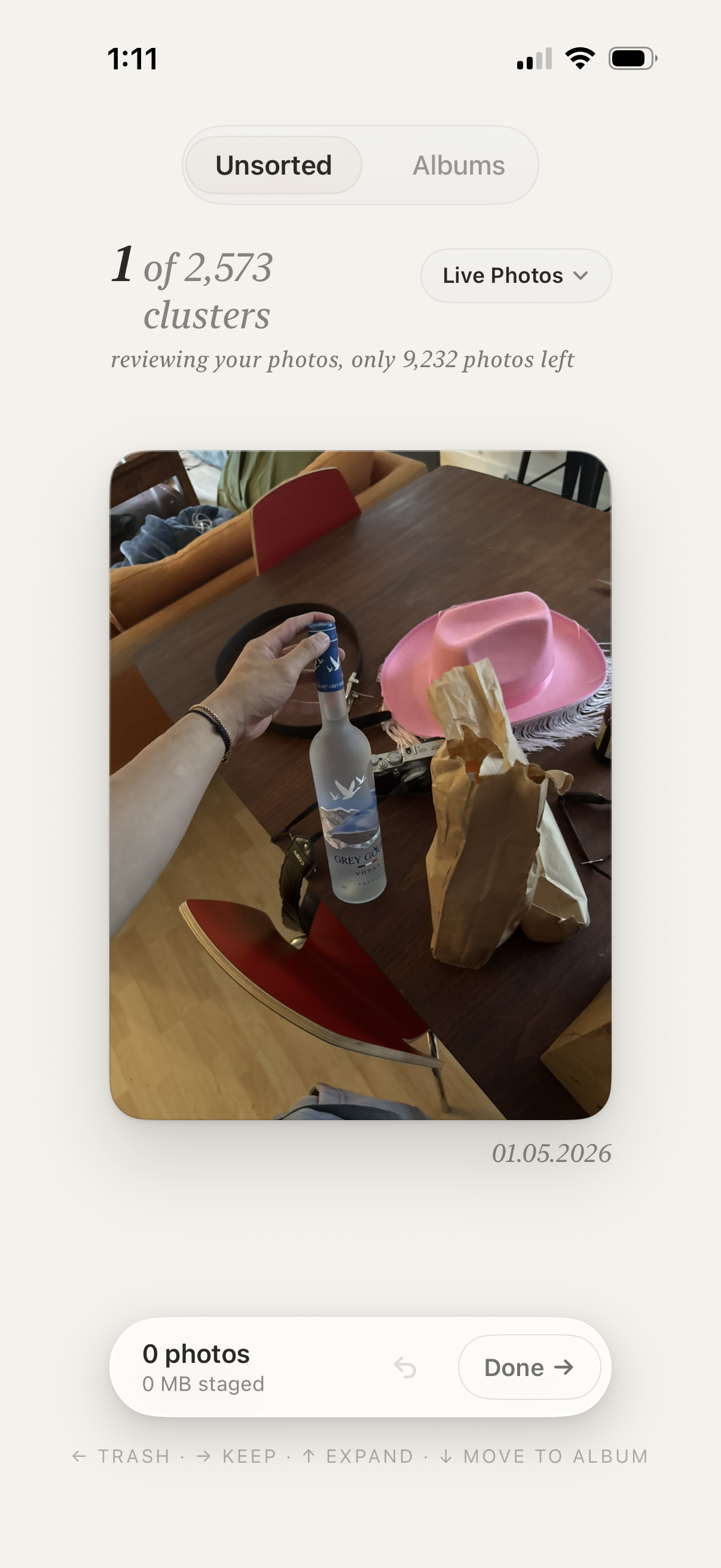
Pile groups your look-alikes, shows what you'll free up, and lets you swipe through the noise.
One photo. Four gestures.
Trash. Keep. Expand. Move to album. No menus, no pinching, no nested toolbars — the grammar most fingers already know, applied to the camera roll you've been avoiding.
Five duplicates of the same sunset. You only need one.
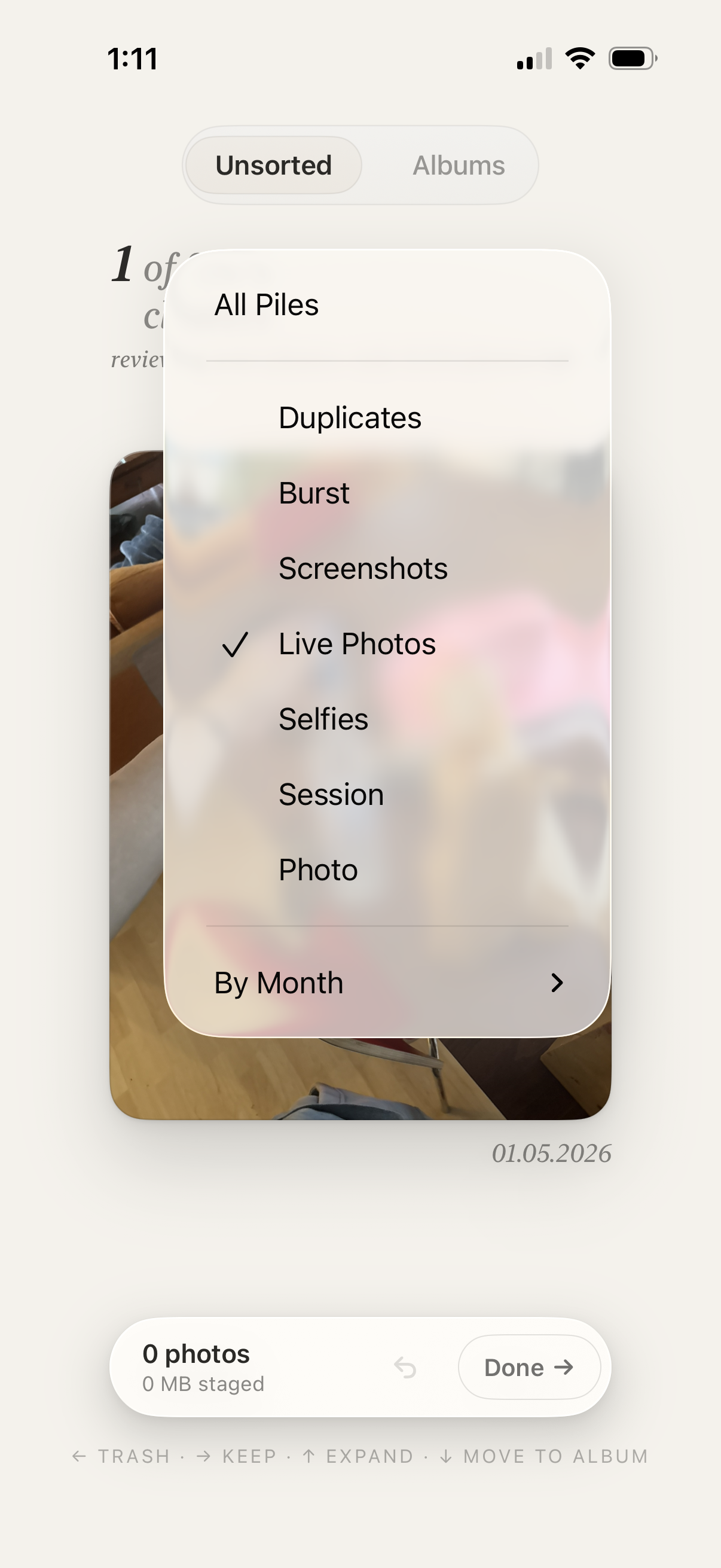
Pile clusters duplicates, bursts, screenshots, Live Photos, selfies, and full sessions — sorted on-device using Apple's image-similarity models. Pick the keeper. Trash the rest in seconds.
The work you've already done
stays done.
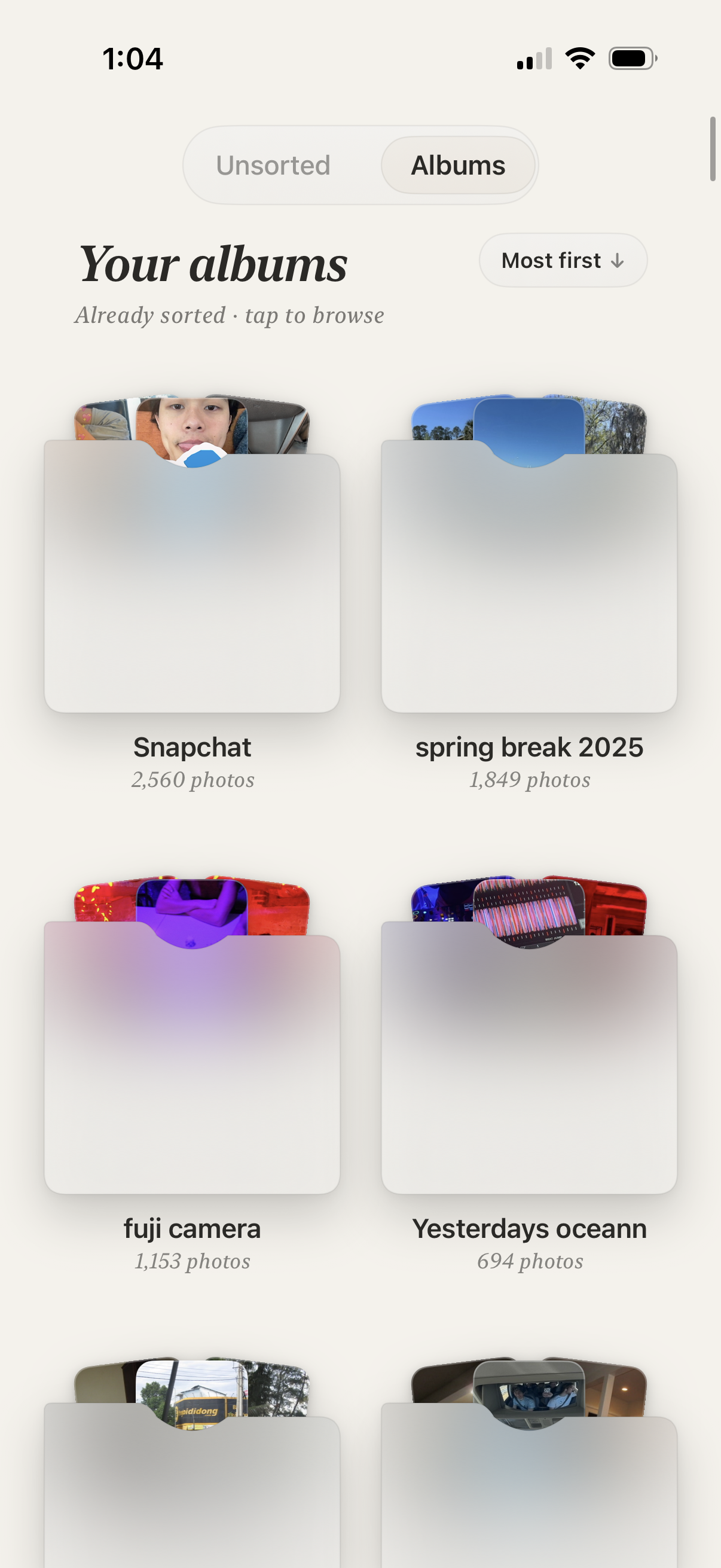
Pile reads the albums you've already organized and only asks about the photos you haven't decided on. It doesn't reshuffle, doesn't reorganize, doesn't suggest. It just clears what's left.
Your photos
never leave
your phone.
- 01Everything happens on-device, with Apple's own frameworks. No uploads. Ever.
- 02No accounts. No emails. No third-party analytics or advertising SDKs.
- 03Crash reports use Apple's anonymous system — opt-in via iOS Settings.
- 04Deleted photos go to Recently Deleted, recoverable for 30 days.
Antony Tran
An independent designer and developer. Pile is part of a small set of tools I'm building for slower, quieter computing.
antonylt.com →